Explore checkers, demos and evaluation routes →
Summarize this page with
A false merge joins different browser environments into one identity. A false split assigns different identities to repeated observations that should remain linked under the evaluation’s definition. Missing collection is a separate outcome. Report all three so a headline recognition figure does not hide the system’s most important mistakes.
Define the label first.
For one project, the target may be a returning browser profile. Another may require a documented device-level relationship. Neither definition should silently become a verified physical person. State the evaluation unit before collecting results.
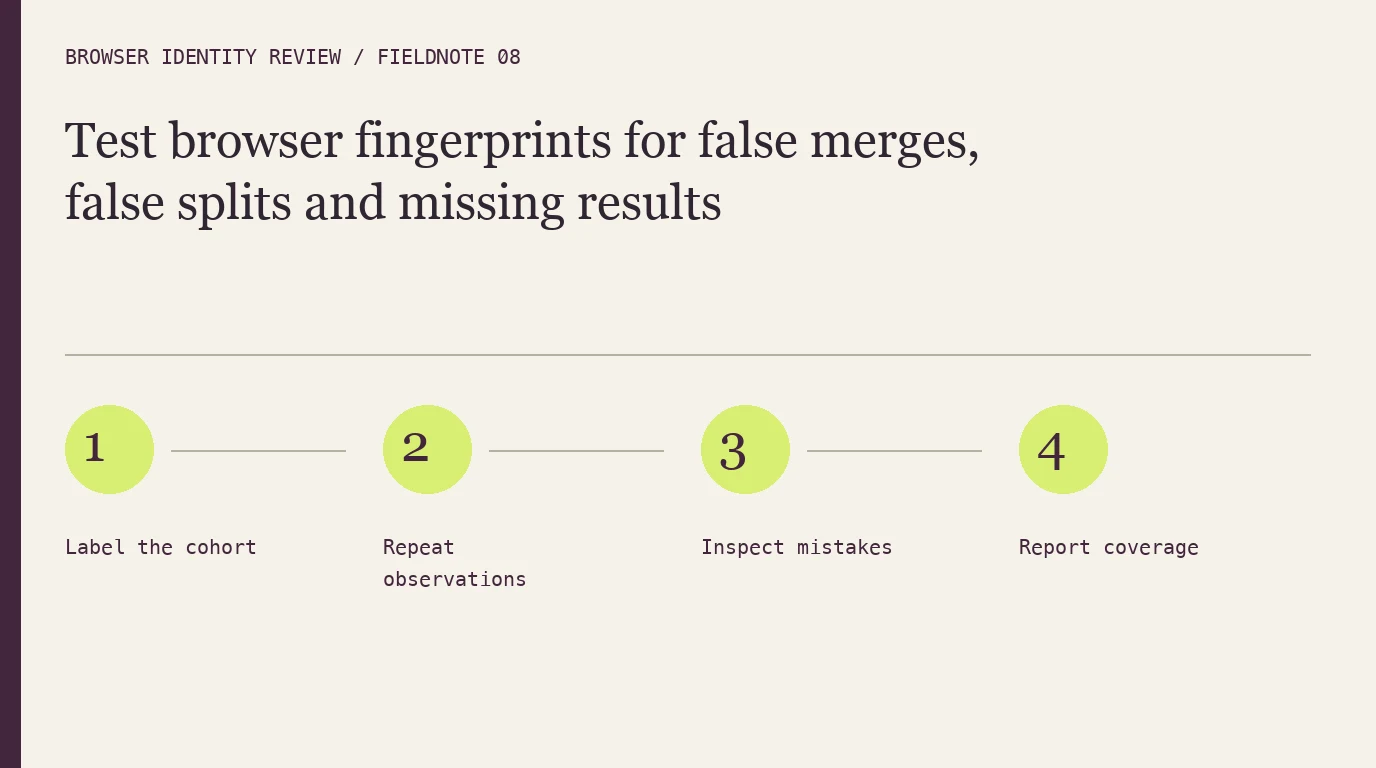
- 1Label the cohort
- 2Repeat observations
- 3Inspect mistakes
- 4Report coverage
Build labels independently of the detector
Use permitted controlled browser environments and retain the ground-truth reference outside the fingerprint system. Include known repeats, distinct browser profiles, shared-device scenarios and normal changes over time. Do not label two visits as the same browser merely because the detector returned the same ID.
| Outcome | Evidence to inspect | Denominator to state |
|---|---|---|
| Correct re-link | A known repeat is recognized | All eligible labeled repeat observations |
| False merge | Distinct labeled environments are joined | The evaluated distinct-environment cohort or defined pair set |
| False split | A known repeat receives an unnecessary new identity | All eligible labeled repeat observations |
| Unavailable result | Collection or retrieval did not produce an evaluable result | All attempted observations |
There are different valid designs for pair-based and visit-based measures. Choose one, explain it and keep it consistent across products. Do not compare unlike denominators as though they were the same accuracy percentage.
Inspect mistakes by condition
Group errors around storage changes, browser upgrades, privacy settings, network movement and missing collection. A table showing where mistakes occur is more useful than one combined score. Record which component changed and whether the final matching result changed with it.
The techniques guide explains the evidence families. The cookie and privacy-mode guide helps design controlled changes without assuming the outcome in advance.
Separate recognition from risk
A system can recognize the browser correctly and still assign a risk result that needs review. It can also find suspicious evidence on a previously unseen browser. Evaluate identity quality and the downstream policy action separately.
ShieldLabs combines identity with risk and account-abuse context. Other products return a local identifier, hosted identity or mitigation decision. The comparison keeps those output types visible so a test is scoped to what the product actually supplies.
Include operational failures
An unavailable result can come from blocked collection, an integration fault or a retrieval failure. Keep those conditions in the record and inspect the application’s recovery path. Dropping unavailable visits before calculating performance can make a weak deployment look more effective than it is.
Repeat the evaluation when a meaningful product, browser or integration change occurs. A same-day uniqueness demonstration is useful for initial inspection, but it does not establish long-term persistence. The methodology describes a repeatable buyer protocol.
FAQ
Is uniqueness the same as accuracy?
No. Uniqueness describes distinction in a population. Recognition also requires stability, correct matching and coverage over the evaluation window.
Should missing results count as correct non-matches?
Keep them separate. An unavailable observation does not provide enough evidence to label a match or non-match as correct.
Can one number describe all browser populations?
A combined number can hide differences. Report the browser mix, conditions, time window, labels and denominators beside the result.
Sources
Checked October 22, 2026: W3C fingerprinting guidance, FingerprintJS limitations, ShieldLabs. Evaluation measures above define a proposed test; they are not claimed customer results.
Continue reading
- What is a browser fingerprint? From browser observations to a returning visitor
- Browser fingerprinting techniques: compare rendering, environment and network evidence
- Audio fingerprinting in browsers: what the signal can and cannot tell you
Compare all ten tools or read the complete deployment guide.