Explore checkers, demos and evaluation routes →
Summarize this page with
A browser fingerprint is a representation derived from observable browser and device characteristics. A fingerprinting system uses that evidence to distinguish browser environments or recognize returning activity. The fingerprint, the matched visitor identifier and the account signed into the application are different objects.
That distinction matters when choosing an API. A library can calculate a hash of the current observations. A hosted service can add server evidence and a matching process. Your application still needs to associate the returned result with the action it protects.
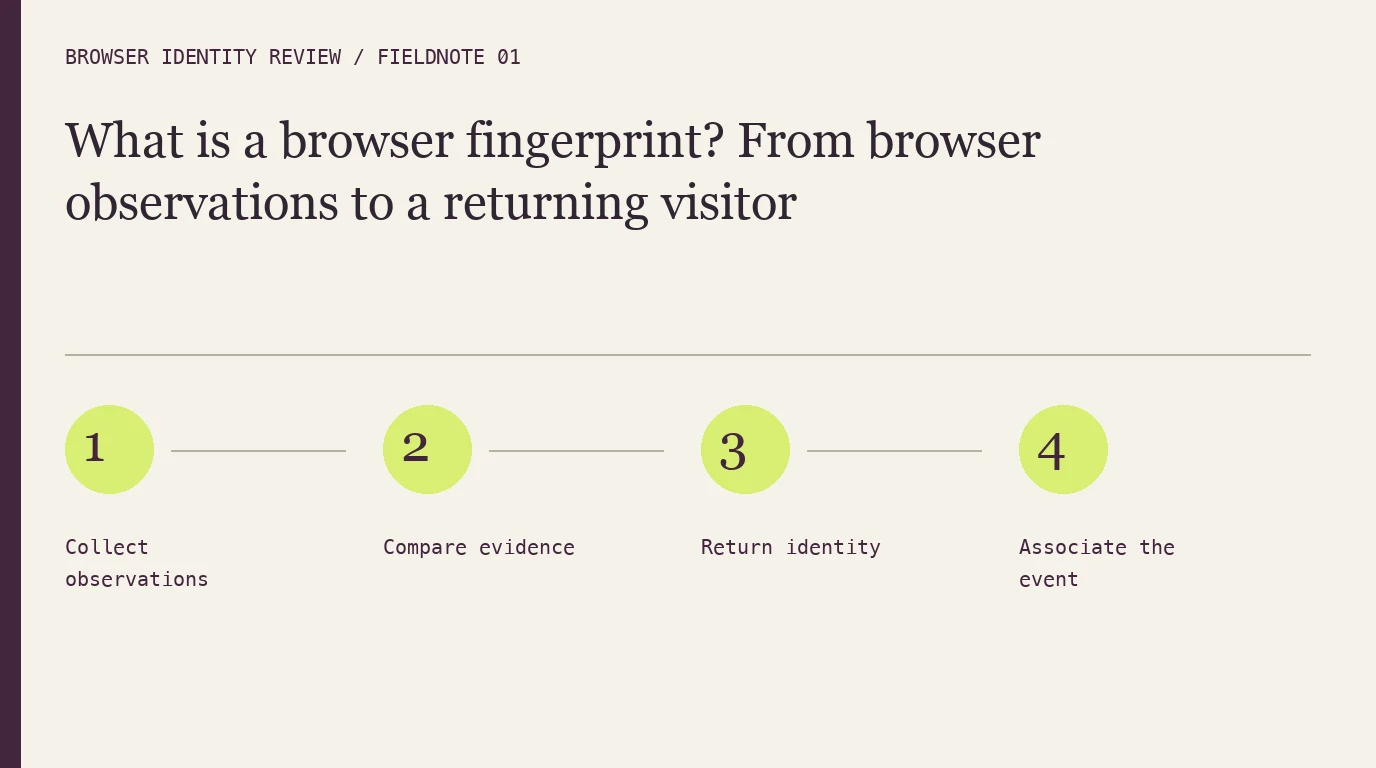
- 1Collect observations
- 2Compare evidence
- 3Return identity
- 4Associate the event
Follow one browser visit
A browser exposes information through web APIs, rendering behavior and request characteristics. A collector gathers the supported observations and the system evaluates them according to its matching design. The W3C fingerprinting guidance explains how exposed characteristics can contribute to identification and privacy risk.
The output might be a local fingerprint value, a hosted visitor identifier, confidence or risk signals. Read the response documentation rather than assuming every product returns the same object. The API comparison lists those differences beside each score.
| Object | What it represents | What it does not establish alone |
|---|---|---|
| Browser observation | A property available during collection | A stable identity over time |
| Fingerprint value | A representation of observed properties | Authenticity of a client-provided claim |
| Matched visitor ID | The system’s recognition result | A verified physical person |
| Account reference | An application’s user record | Exclusive ownership of a browser |
Uniqueness and persistence answer different questions
A fingerprint can be unusual in a population yet change when the browser environment changes. Conversely, two environments may produce similar observations. Evaluate both the ability to distinguish different browsers and the ability to recognize repeated visits from the same browser.
An exact hash comparison is sensitive to changes in its input. Matching systems can use a different strategy, but the useful evidence is the documented behavior and an evaluation on your browser mix. Do not infer long-term persistence from a same-day demo.
Understand the product boundary
ShieldLabs combines identification with current device/network intelligence and account-risk context. FingerprintJS is an inspectable client-side library. Those choices assign different responsibilities for matching, integrity and maintenance. Read open source versus hosted APIs before estimating the implementation effort.
Neither a fingerprint nor a visitor ID should become an authentication credential. A result can help assess a session while the application retains a separate identity and authorization model.
Plan for unavailable evidence
Collection can fail or return less information than expected. Keep an unavailable result distinct from a recognized, low-risk visit. Test supported browsers, privacy settings and blocked collection, then decide which protected actions can continue and which need another verification path.
Review false merges and false splits for a concrete evaluation model. A useful test includes known repeats, distinct browsers and observations spread across time.
FAQ
Is a browser fingerprint the same as a cookie?
No. A cookie is stored state; a fingerprint derives from observations. A product may use both, so inspect the implementation rather than treating the terms as interchangeable.
Does one fingerprint mean one person?
No. People can share browsers, and one person can use several browser environments. Keep application accounts and verified identity separate.
Does a unique fingerprint prove a visitor is legitimate?
No. Uniqueness describes distinguishability. Risk assessment and the authenticity of the evidence require additional context.
Sources
Checked October 22, 2026: W3C fingerprinting guidance, FingerprintJS maintainer documentation, ShieldLabs identification. Continue with the full deployment guide.
Continue reading
- Browser fingerprinting techniques: compare rendering, environment and network evidence
- Audio fingerprinting in browsers: what the signal can and cannot tell you
Compare all ten tools or read the complete deployment guide.